The best study sessions feel a little like settling into a den: something slow on a second screen, a lofi track that does not ask for attention, and your real work staying on the display in front of you. That is the slowcast experience — not a checklist, just a vibe that stays out of your way.
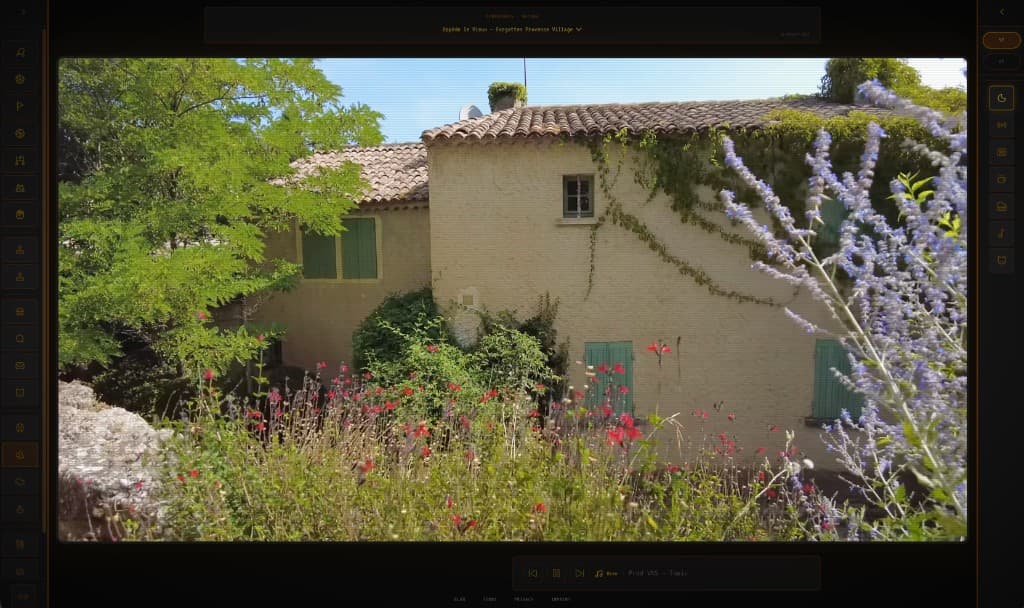
Provence on the other monitor — a stone house and wild garden that never ask you to follow a plot.
Park slowcast on a separate screen (or a spare laptop, or a TV browser). Keep notes, docs, and code on your main display. The ambience lives in your peripheral vision — close enough to settle you, far enough that you are not clicking around inside it every two minutes.
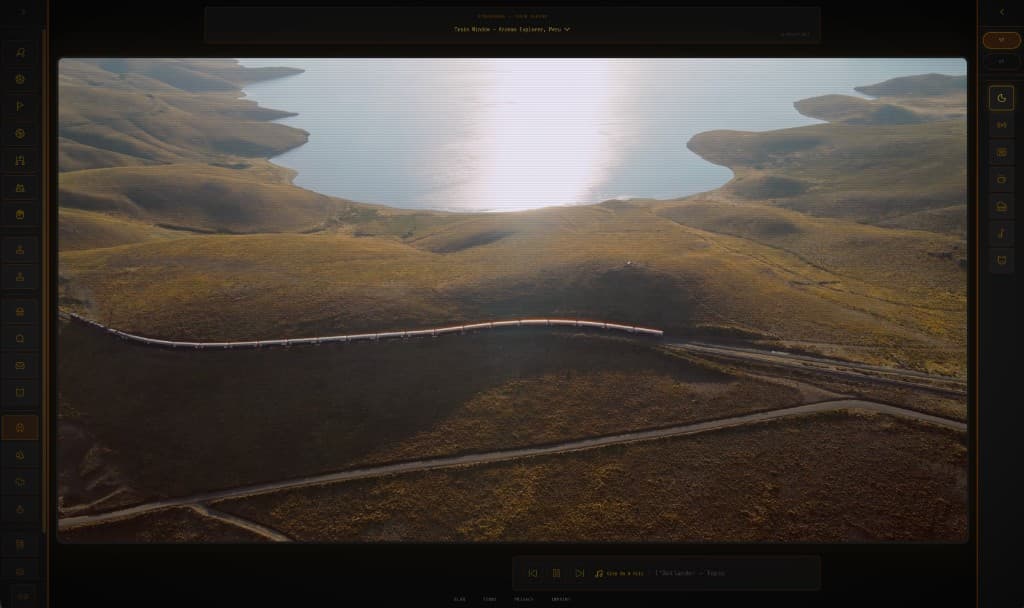
Train windows across Peru — long scenery for when you want motion without a story.
Slow TV is the visual half: rain, trains, alpine passes, a path through Provence — footage that never demands a plot. Lofi or chill study music is the audio half. Together they make a study-with-me backdrop that feels intentional without feeling busy.
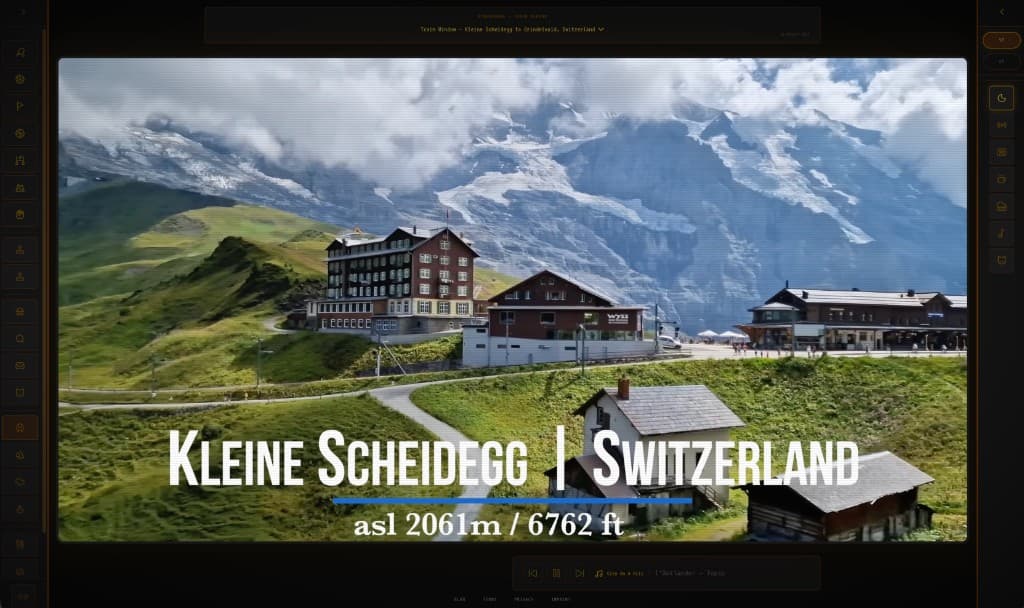
Kleine Scheidegg to Grindelwald — mountains out the window while the playlist stays put.
What makes slowcast click on that second screen is that video and music are independent. Change the channel when the scenery goes stale; the music keeps going. Swap radios when the playlist fades; the TV stays put. One calm window, two layers, zero tab archaeology on your work display.
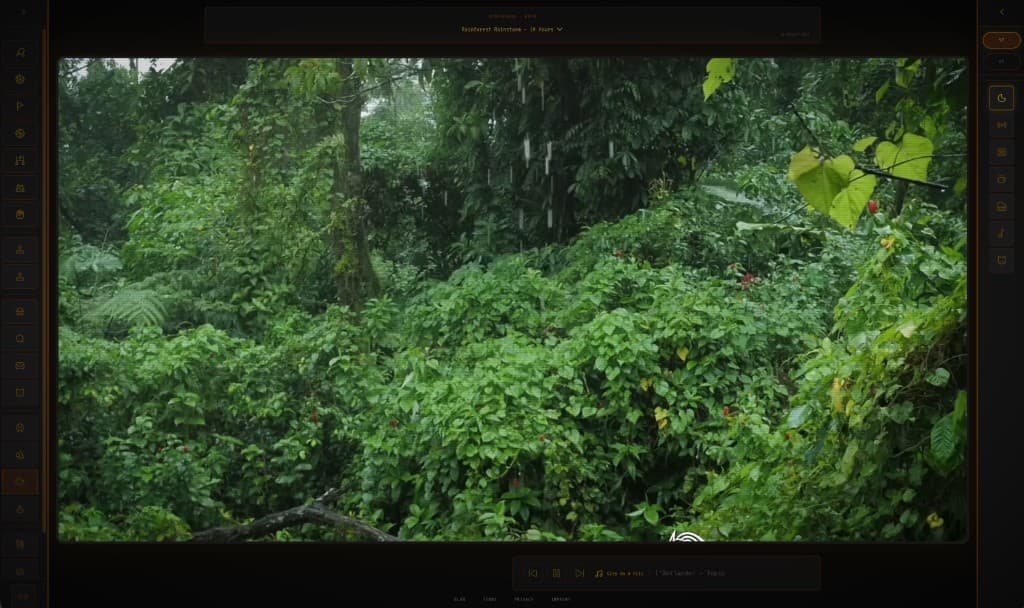
Rainforest rainstorm — white-noise weather for deep work blocks.
The best experience is usually the calmer one. Atmosphere channels for deep work. Save high-energy sports for a break. Skip opening a second YouTube tab for music — that is how the den turns back into browser chaos. Spotify is optional garnish, not a requirement.
New here? Peek at Welcome to slowcast, then open slowcast on the screen that is not your work screen. Pick a place that feels slow, pick a sound that feels familiar, and let the player hold the ambience while you do the hard part.
FAQ
Yes — that is the sweet spot. Put slowcast on a second monitor, spare laptop, or TV browser, and keep studying or coding on your main display. The slow TV stays in your periphery so the vibe helps without competing for clicks.
When the video is calm and low-plot, yes — it gives your eyes a steady place to rest so attention stays on the work. Pair it with focus music or lofi study beats in the same player and you avoid the distraction of juggling windows on your main screen.
Atmosphere channels — nature, rain, train windows, fireplace — or any quiet footage without a storyline. High-energy sports and highlight reels are better for breaks. You can also drop a YouTube ID or URL into the custom channel field.
Yes — that is the whole point. Video channel on the left, music radio (or Spotify after connecting) on the right. Change either layer without resetting the other.
slowcast is a free lofi web app — open it in the browser, no install. Use it as background video for studying or a second-screen focus tab: ambient visuals plus optional lofi music in one place.